Aidesoranix
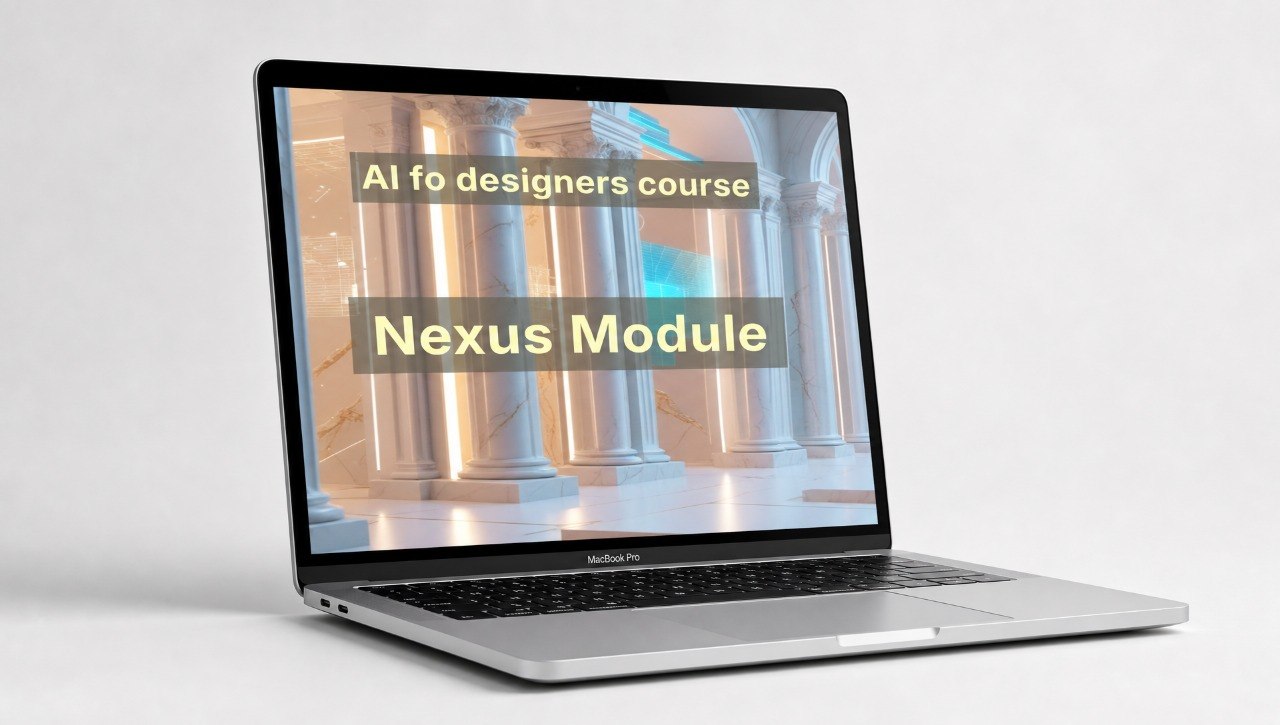
Nexus Module
Nexus Module
Couldn't load pickup availability
- 📁 Digital file available after purchase
- 🗂️ Long-term availability
- 🔐 Secure checkout
- 📝 Content updated in 2026
Self-paced learning overview
1. Problem Statement
When a designer works with AI only through separate prompts, the results can feel disconnected. One option may have an interesting style, another may have a good composition, but there is no shared system between them. This makes it difficult to build a consistent visual series or prepare materials for one project in a unified direction. A designer needs not only to create ideas, but also to see the connection between them. Nexus Module helps explore how to build that connection within a learning-focused AI process.
2. Solution
Nexus Module explains how to work with AI prompts as part of a wider design structure. The course shows how to shape a visual base, describe shared style rules, and maintain one direction across several materials. You will review how to create prompt series for connected tasks: cover, banner, illustration, background, or themed set. The materials help you better see which elements should be repeated and which can change. This course is for designers who want to think of the AI process not as a one-time action, but as part of project logic.
3. What's Inside
- Module 1: Project Logic Setup — you will learn how to describe the general idea of a design project before creating AI prompts.
- Module 2: Visual System Notes — you will explore how to record style rules, color directions, mood, and composition principles.
- Module 3: Connected Prompt Series — you will learn how to create several connected prompts for one visual theme.
- Module 4: Consistency Review — you will see how to compare materials by style, tone, details, and overall logic.
- Module 5: Variation Planning — you will review how to change separate elements without losing the shared direction.
- Module 6: Design Set Exercises — you will work with learning tasks for creating connected visual sets.
- Module 7: Nexus Workflow Sheet — you will receive a working structure for planning AI prompts within one design direction.
4. Who is this for?
✅ A good fit if you:
- want to create connected visual series rather than separate AI options;
- work with concepts, sets of materials, brand directions, or themed collections;
- want to better maintain a shared style across different design tasks;
- already have basic experience with AI prompts;
- are looking for a course focused on structure and project logic.
❌ Not for you if:
- you are just starting and want the shortest introduction;
- you do not plan to work with series or connected materials;
- you expect personal review of your work;
- you are looking for training in specific programs or platforms;
- you want ready-made layouts without your own practice.
5. What You'll Learn
- How to describe the general idea of a design project for AI tasks.
- How to create style rules for connected visual materials.
- How to write prompt series for one creative direction.
- How to compare results by style, mood, and composition logic.
- How to plan variations without losing a shared visual language.
- How to create your own structure for working with AI within a design series.
- After completing the course, you will have a working structure for creating connected AI prompts and reviewing visual sets.
6. Course Terms
Nexus Module is a learning course for independent study. The materials are created to help designers better organize AI prompts within connected visual tasks. Payment return conditions for paid plans should be placed on a separate store policy page. The course does not include claims about specific creative, career, or financial results.
How are Aidesoranix courses structured?
How are Aidesoranix courses structured?
Each course includes structured modules, short explanations, practical tasks, and materials for independent learning. Topics are presented step by step so designers can gradually explore AI approaches in the creative process.
Do I need previous AI experience?
Do I need previous AI experience?
No, the courses are suitable for different levels of preparation. Some materials explain the basic logic of working with AI, then move into more detailed design tasks.
Share